


Mechanics Guide

Through the use of our plugins on BDcraft, you are able to do a number of unique interactions with the world not possible with vanilla Minecraft.
Bridges
Bridges are done by setting a rectangle of a single block, and placing signs with [Bridge] at the ends of the blocks in the middle. The signs can go either on top or on the side. Right click the sign to activate.


Gates
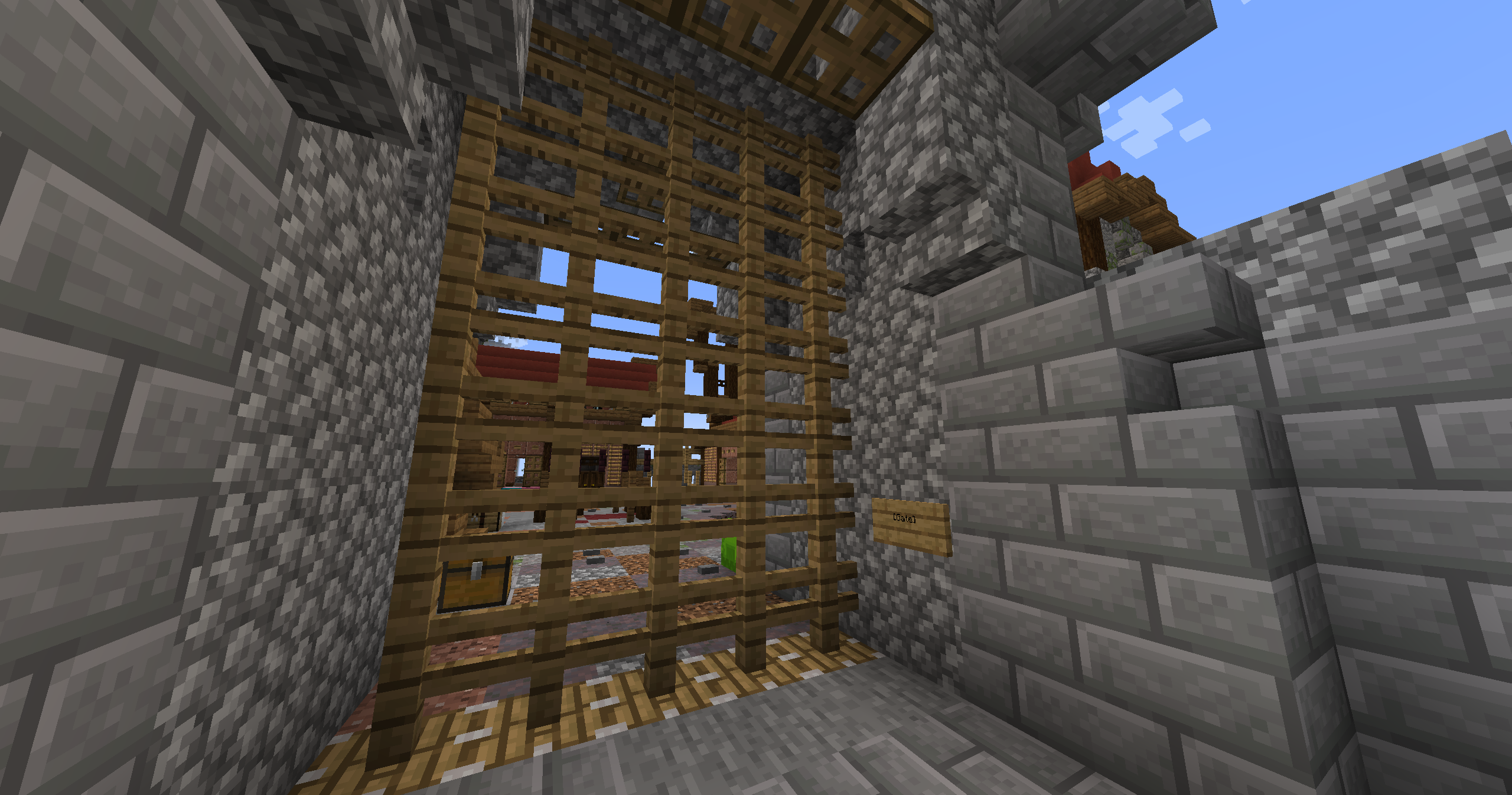
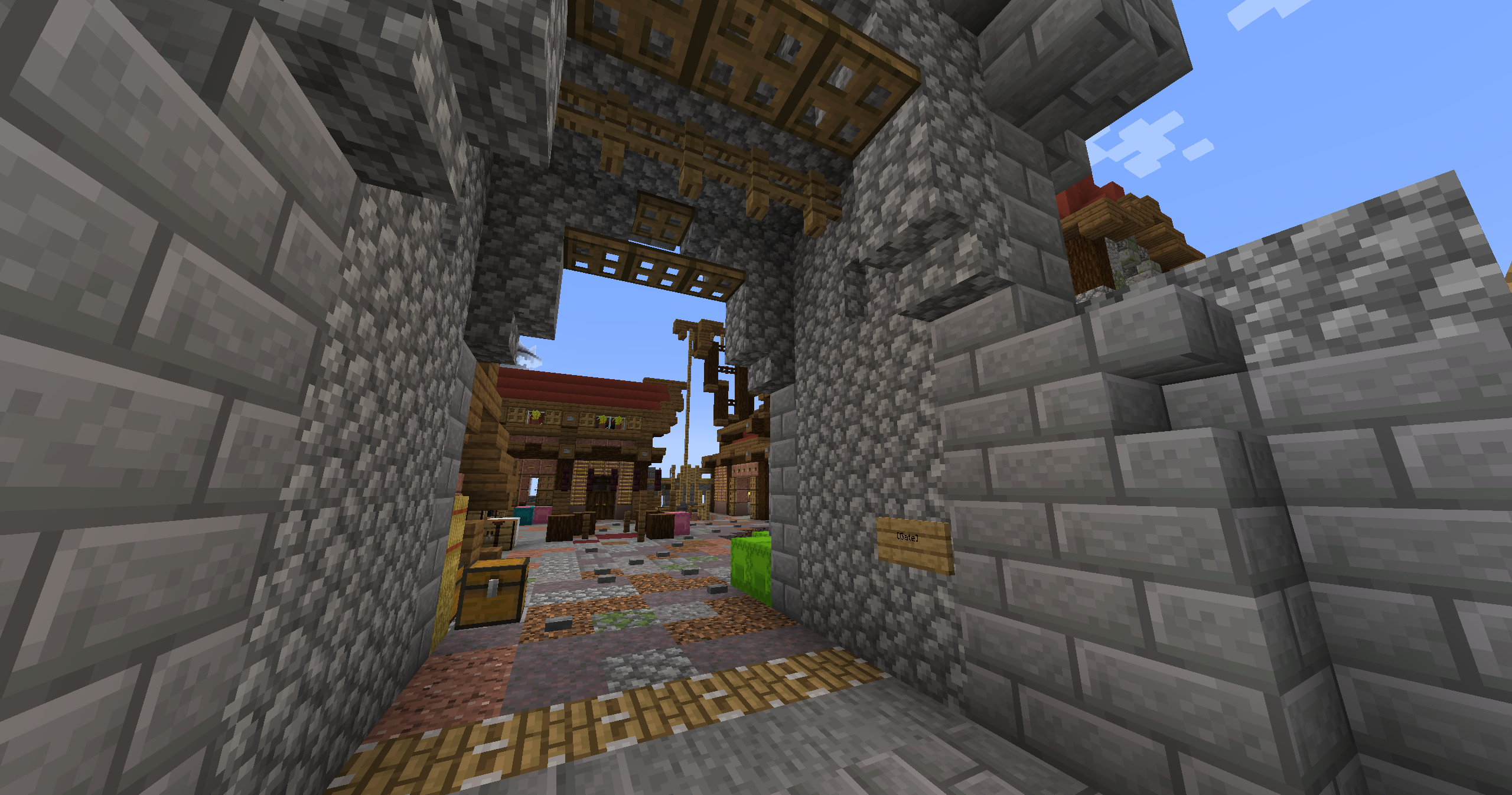
Gates are done by placing a sign with [Gate] within 3 blocks horizontally or 6 vertically of the gate. A gate consists of fences in a vertical rectangle, with a solid block at their top. Right clicking the sign will retract the fences into the top of the gate.
Lifts
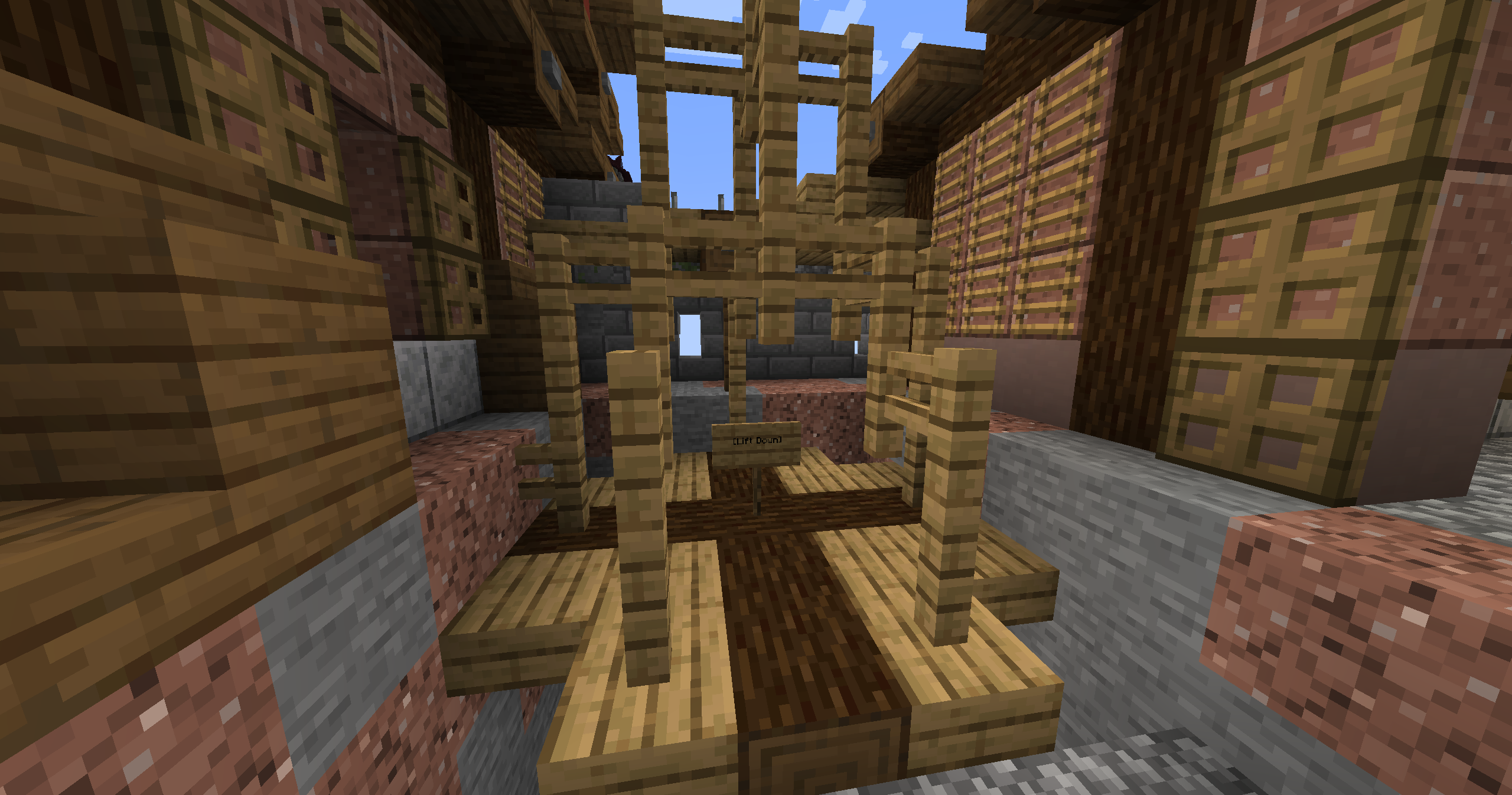
Lifts are done by placing [Lift], [Lift Up] or [Lift Down] on the second line of 2 signs.
[Lift Up] and [Lift Down] allow for travel vertically between the two signs.
[Lift] allows travel to, but not from, the sign.
You can name your floor by putting it's name on the first line of the sign. You can also use buttons by placing the sign on a block, and placing the button on the opposite side. Both the start and end location must be button lifts.
Hidden Switches
Hidden Switches are done by placing a sign on a block with [X] on the second line. Right click the block to activate a button or lever near the sign. Perfect for hideouts and secret entrances. Just hope someone doesn't randomly click the wall!

Last edited: about 1 year ago